Proudly Singaporean
Best 3D Printers in Singapore
Ten years ago, owning a 3D printer here meant you were either an engineering student or someone’s eccentric uncle.
These days your neighbour’s kid has one printing Baby Yoda keychains for the whole block, and the guy running a small Etsy shop out of his Tampines flat is churning out phone stands between his day job’s Zoom calls.
What changed isn’t the tech getting less complicated. It’s that a handful of machines finally got good enough at hiding the complicated parts.
Still, if you’ve tried researching this on your own, you already know the vocabulary is a mess.
- CoreXY versus bed slinger
- AMS versus CFS versus “just buy more filament and swap it yourself”
- Direct drive extruders that somehow matter a lot until they suddenly don’t
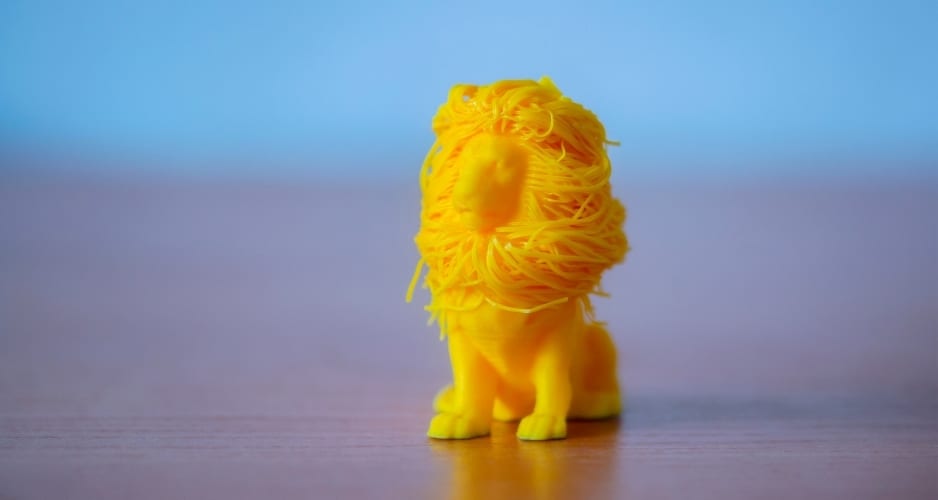
None of it means anything until 2am when your print has failed for the third time and you’re googling why your PLA looks like a bird’s nest.
Add Singapore’s own flavour of problems on top. Our humidity eats filament alive if you’re not careful. Our homes don’t have a garage to banish a noisy machine into.
And if you live with parents, aunties, or a partner who works night shift, a printer that sounds like a dentist’s drill at 2am is a printer that gets unplugged fast.
We bought six of the most searched 3D printers on Shopee Singapore, set three up in an actual four-room HDB flat and three in a shared condo study, and ran them the way real people here actually would.
Not lab conditions. Just three straight weeks of everyday printing, deadlines, and the occasional 11pm “let me just squeeze one more print in” decision.
Here’s who won and what nobody tells you before you hit checkout.
How We Tested
Every printer ran the same opening test, a benchy boat, because it’s the closest thing this hobby has to a universal report card. After that we moved into things people actually make.
- Phone stands and cable organisers
- A birthday gift for someone’s niece (this got competitive)
- Drawer dividers, the unglamorous bread and butter of home printing
- At least one attempt at PETG or ABS for anything meant to survive daily handling
A few things mattered more to us than they would to an overseas reviewer sitting in a dry climate with a detached garage.
How this review is localised for Singapore
Noise at night Most of us share walls, not just a house. We ran a late print on every machine and judged it the way a light sleeper would.
Real footprint Once you add the spool holder, the cables, and an enclosure if it has one, a “compact” printer can eat more desk than advertised. We measured with everything attached.
Humidity We left a spool out in the open for a stretch of wet weather on each machine and watched for stringing, popping, or that telltale hiss that means your filament drank too much moisture.
Forgiveness Life happens. We wanted printers that don’t fall apart if you’re twenty minutes late collecting a finished job or if you walk away mid print because someone rang the doorbell.
Finding the right 3D printer for you
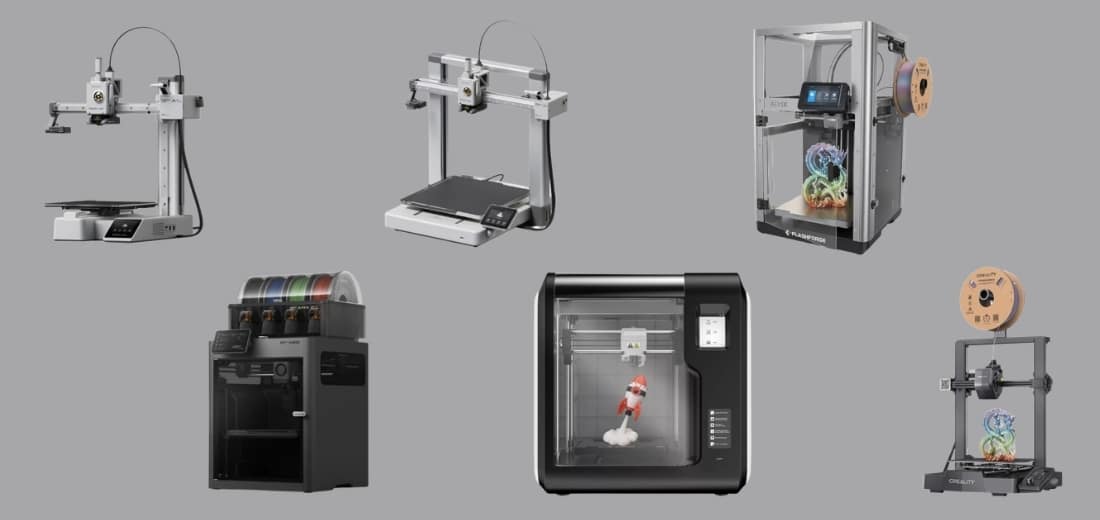
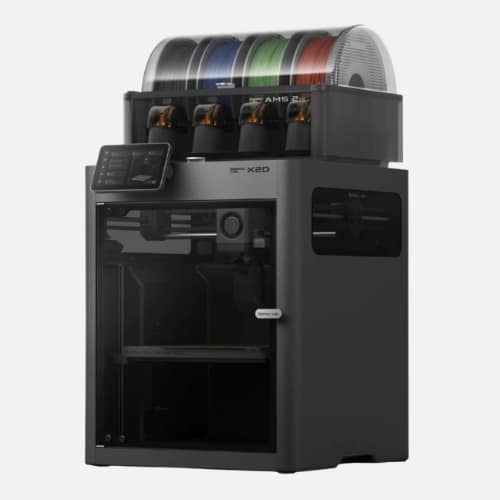
Best Overall: Bambu Lab X2D
Why it earns the top badge
We used it to print a small drone housing that needed both structural rigidity and a separate dissolvable support material. It came out looking closer to an injection-moulded part than something built layer by layer overnight.
Nothing else on this list gives you dual-nozzle precision, active chamber heating, and Bambu’s usual near-zero setup friction in one machine. It’s the printer you buy when you’re done compromising.
Key Specs
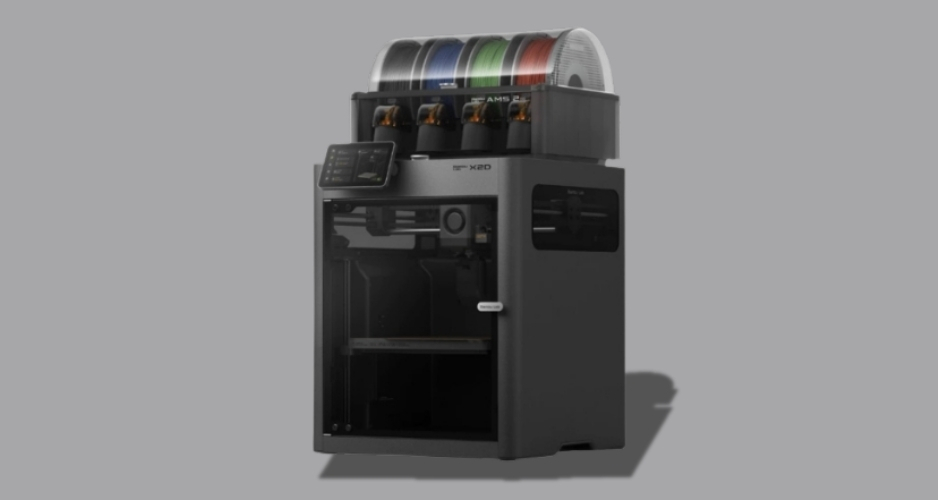
Build volume: 256 x 256 x 260mm | Max speed: 1,000mm/s | Dual nozzle with dedicated support nozzle | 65°C active chamber heating | Three-stage HEPA filtration | AMS 2 Pro ready, up to 25 colours
Pros
- Dual nozzle system makes support removal genuinely clean
- Active chamber heating opens the door to advanced engineering filaments
- Fast, accurate motion system even at high speed
- Filtration is good enough to run in a bedroom without worrying about fumes
Cons
- Steep price, this isn’t anyone’s first printer
- The auxiliary nozzle runs slightly slower and shows minor quality dips on close inspection
- AMS units for full multicolour capability are sold separately
Shopee reviewers who upgraded from an older Bambu model consistently mention how much cleaner their supports look now, especially on anything with overhangs or bridges.
A few did comment that the price only makes sense once you’re actually using the dual-nozzle and chamber heating regularly. If you’d mostly print single colour PLA, this is more machine than you need.
Best Budget: Creality Ender-3 V3 SE
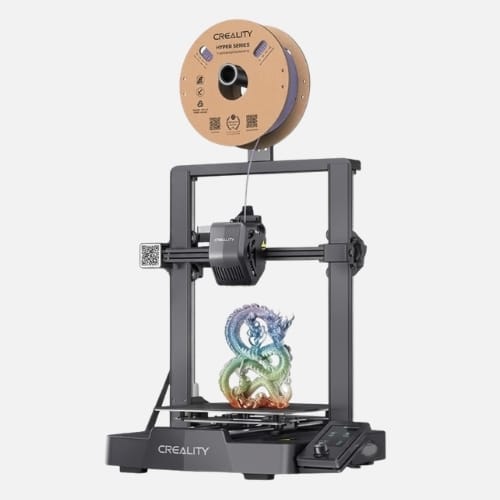
Why it earns this badge
It removes the steepest part of the learning curve without asking you to pay a premium for features a first-time printer won’t use yet.
Key Specs
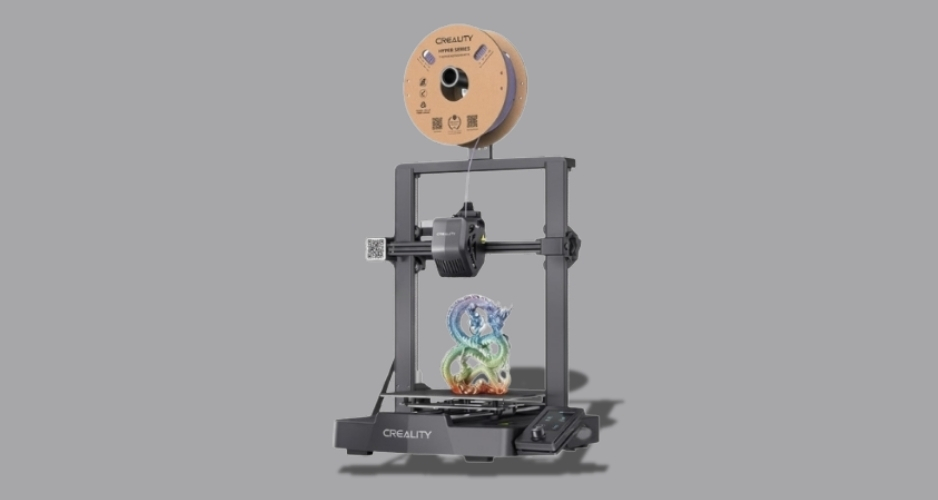
Build volume: 220 x 220 x 250mm | Max speed: 250mm/s | Sprite direct drive extruder | Auto Z offset and CR Touch levelling | Dual Z axis
Pros
- Low barrier to entry for anyone still deciding if this hobby is for them
- Auto levelling flattens the steepest part of the learning curve
- Compact enough for basically any desk
- Handles PLA, PETG and TPU without complaint
Cons
- Open frame struggles with ABS and other shrink-prone filaments
- The 3.2 inch screen feels dated compared to newer touchscreen models
- SD card only, no wifi file transfer
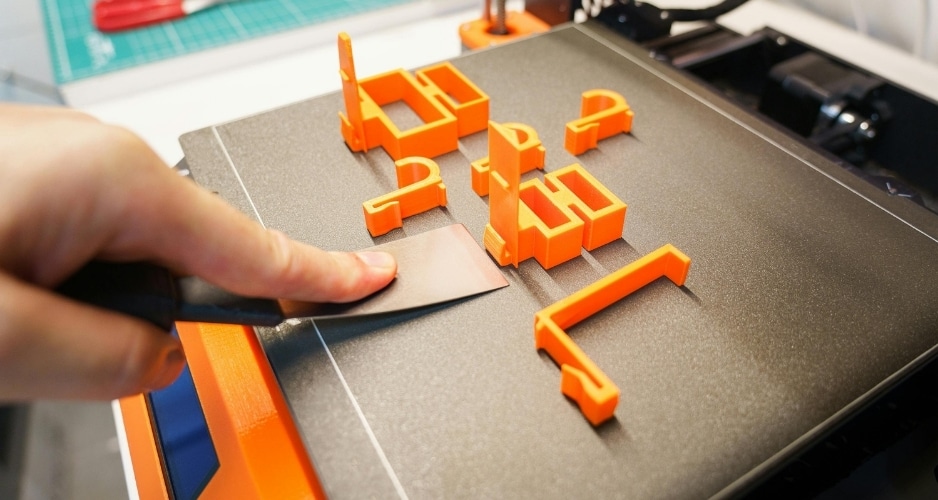
A recurring line in local reviews is how forgiving this machine is for someone still learning terminology. One thing worth flagging before you buy though.
If your printing ambitions grow past PLA and PETG, you’ll be shopping for an upgrade sooner than later.
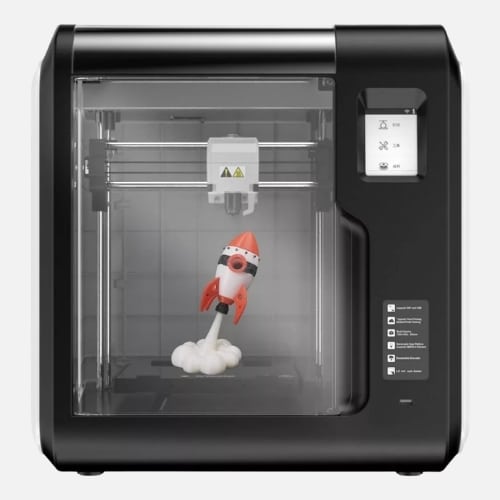
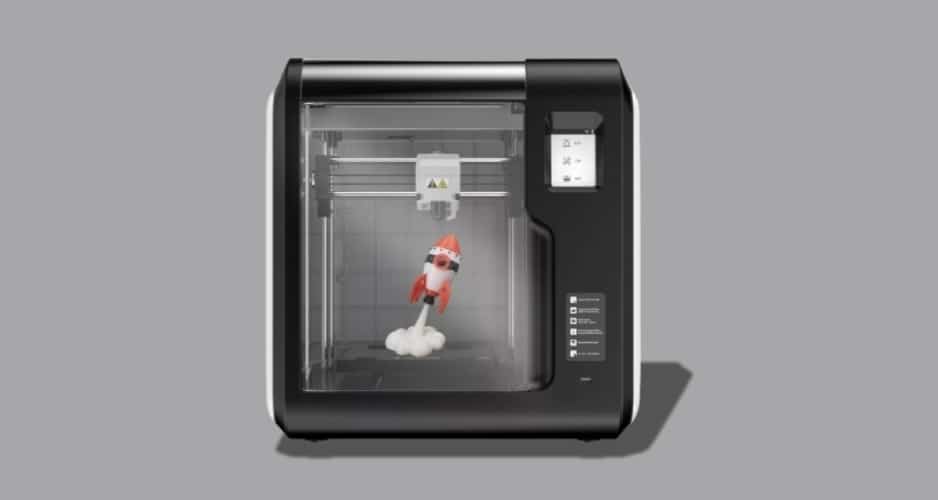
Best for Humid Climate: FlashForge Adventurer 3
Why it earns this badge
We left this loaded through a genuinely soggy week without touching a dry box, on purpose. No stringing, no popping, and the auto filament feeding never once hiccupped.
Full enclosure plus a sealed filament cartridge is a rare combination at this level, and it’s exactly what humid-climate printing actually needs.
Key Specs
Build volume: 150 x 150 x 150mm | Max speed: 100mm/s | Fully enclosed chamber | Auto filament feeding with enclosed cartridge | 45dB quiet operation | Built-in HD camera
Pros
- Enclosed design genuinely protects prints and filament from humidity
- Very quiet, easy to run overnight without complaints
- Auto bed calibration removes manual levelling entirely
- Built-in camera lets you check on a print remotely
Cons
- Small 150mm cubed build volume rules out bigger projects
- Print speed tops out at 100mm/s, noticeably slower than newer machines
- Limited to PLA and ABS-family filaments
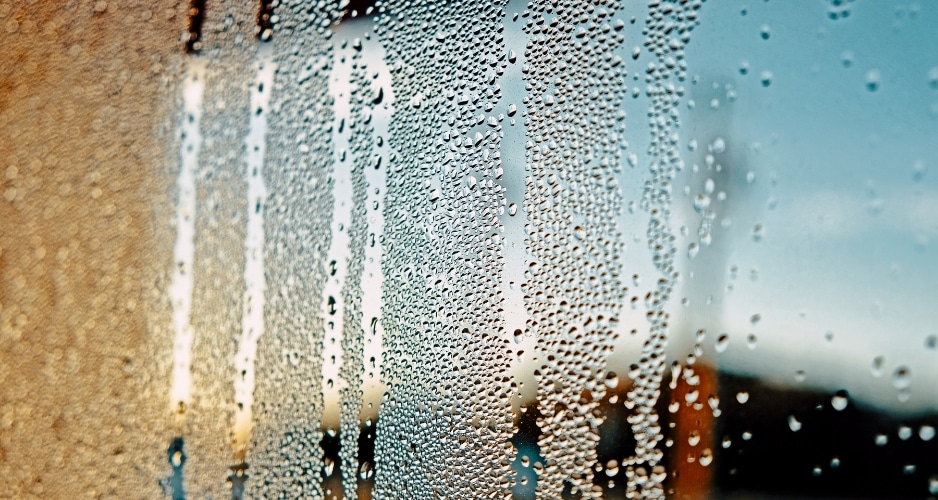
Local buyers who’ve used it through past wet seasons mention noticing far less filament brittleness than with an open frame printer left out on a shelf.
The tradeoff is real though. If you’re printing anything larger than a coaster or a small figurine, that 150mm build volume will start to feel cramped fast.
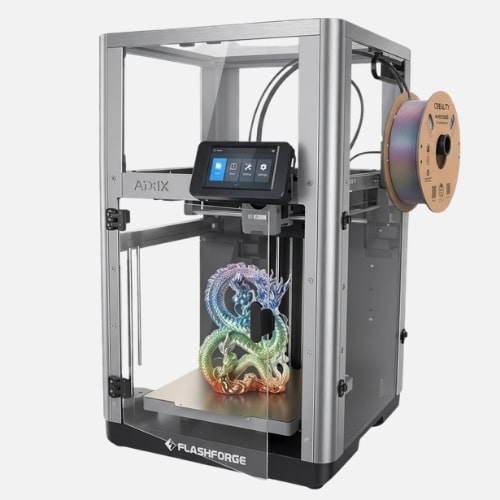
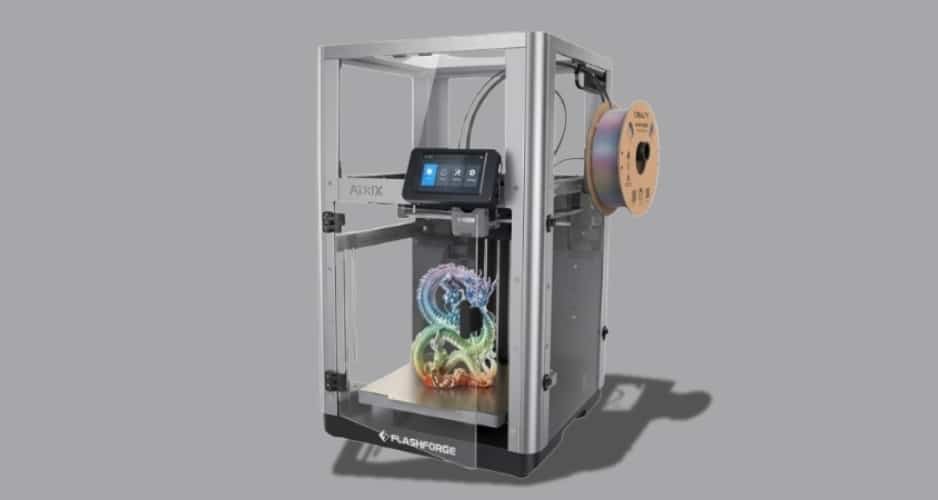
Best Multicolour: FlashForge Adventurer 5X
Why it earns this badge
It’s the rare multicolour system that doesn’t fall apart the moment you try something other than plain PLA.
Key Specs
Build volume: 220 x 220 x 220mm | Max speed: 600mm/s (travel), 300mm/s (print) | IFS 4-colour automatic filament switching | Supports TPU 95A multicolour | CoreXY motion system | 4.3 inch touchscreen
Pros
- Multicolour switching works with flexible TPU, not just PLA
- CoreXY frame keeps speed and accuracy in balance
- Side-mounted spools keep the footprint reasonable for the output
- Fast ten-minute setup out of the box
Cons
- Open frame design, so noise sits noticeably higher than enclosed machines
- Colour changes purge a fair amount of filament, which adds up on complex prints
- Not the machine to buy if you rarely need more than one colour
Shopee reviewers printing toys and cosplay accessories specifically call out the TPU multicolour support as the reason they picked this over cheaper alternatives.
A few did flag the noise level during longer prints, so this isn’t the one to run in a room where someone’s trying to sleep. Budget for some wasted filament too, the purging between colour swaps isn’t shy.
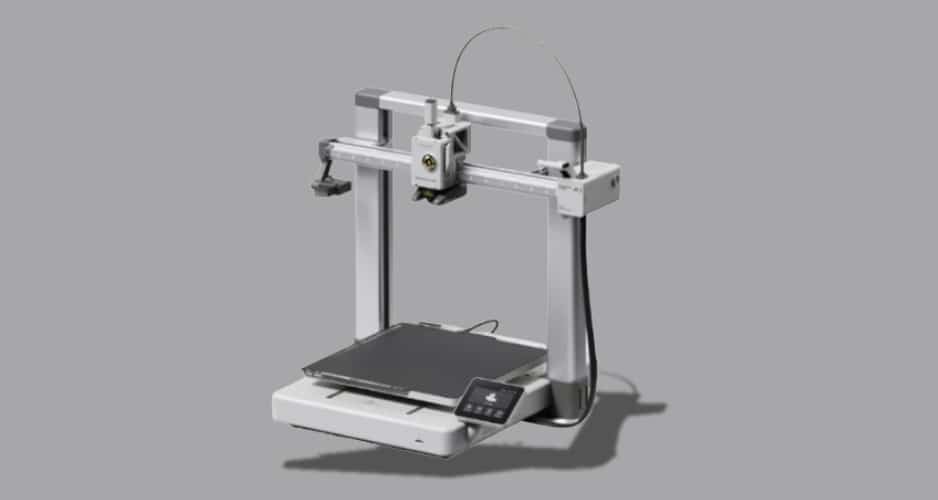
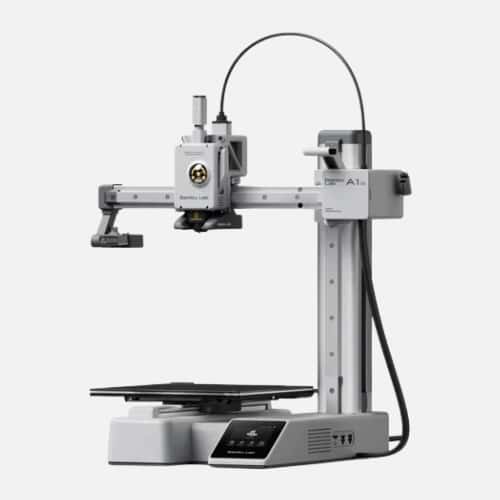
Best Fast: Bambu Lab A1
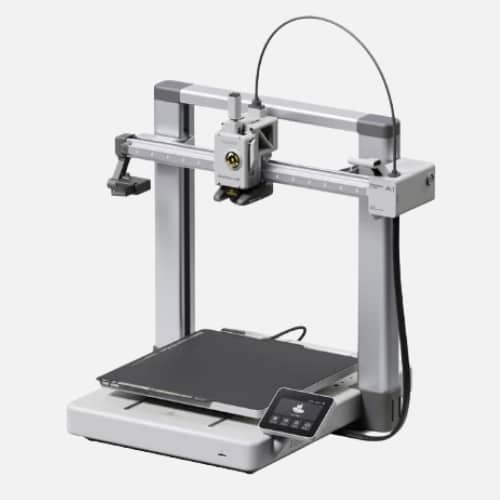
Why it earns this badge
We ran six drawer organisers back to back on a random Tuesday evening and finished the whole batch before the night was over.
Full auto calibration plus a genuinely fast motion system, at a price that doesn’t require buying into the premium tier.
Key Specs
Build volume: 256 x 256 x 256mm | Max speed: 500mm/s | Full auto bed levelling and flow calibration | Open frame design | Quick swap nozzle system
Pros
- Fast, consistent prints without a steep price jump
- Auto calibration removes almost all manual tuning
- Roomy 256mm cubed build volume for the price bracket
- Large community model library through MakerWorld
Cons
- Open frame, so no protection from dust or humidity
- No AMS included, multicolour requires buying one separately
- Bambu Studio’s slicer takes a short adjustment period if you’re new to it
A lot of buyers describe this as the machine that made them stop babysitting prints entirely, since the auto calibration rarely needs a second look once it’s dialled in.
If speed’s the whole reason you’re buying, that open frame is worth remembering. It’ll print fast, but it won’t shield your filament from a humid week the way an enclosed model would.
Best for HDB and Small Homes: Bambu Lab A1 Mini
Why it earns this badge
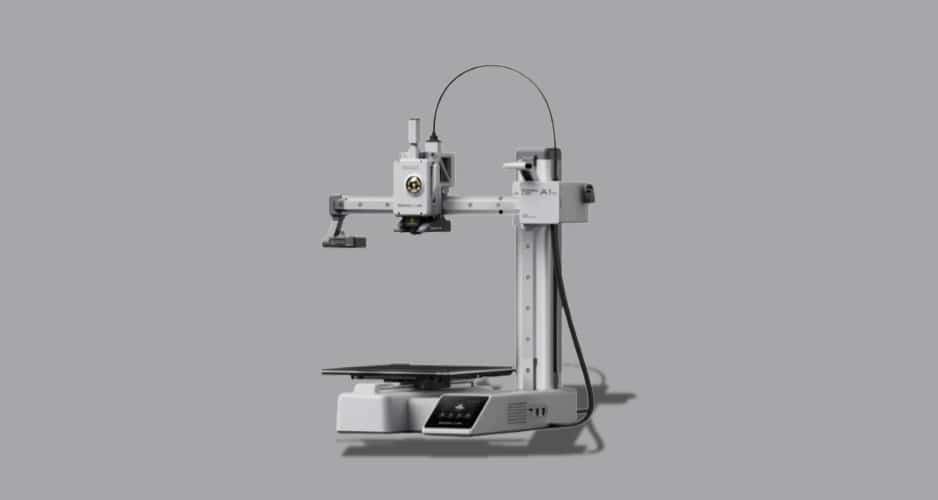
Same auto calibration magic as its bigger siblings, shrunk down to fit spaces most other printers simply can’t.
Key Specs
Build volume: 180 x 180 x 180mm | Max speed: 500mm/s | Full auto calibration and flow compensation | Compact frame | Compatible with PLA, PETG, TPU, PVA
Pros
- Genuinely small footprint, ideal for shared or rented rooms
- Same effortless setup as the standard A1
- Quiet enough to run in a bedroom overnight without complaints
- Lowest price on this list, a solid first printer
Cons
- Smaller 180mm cubed build volume limits bigger projects
- AMS for colour printing is sold separately
- Slightly slower top speed than the full sized A1
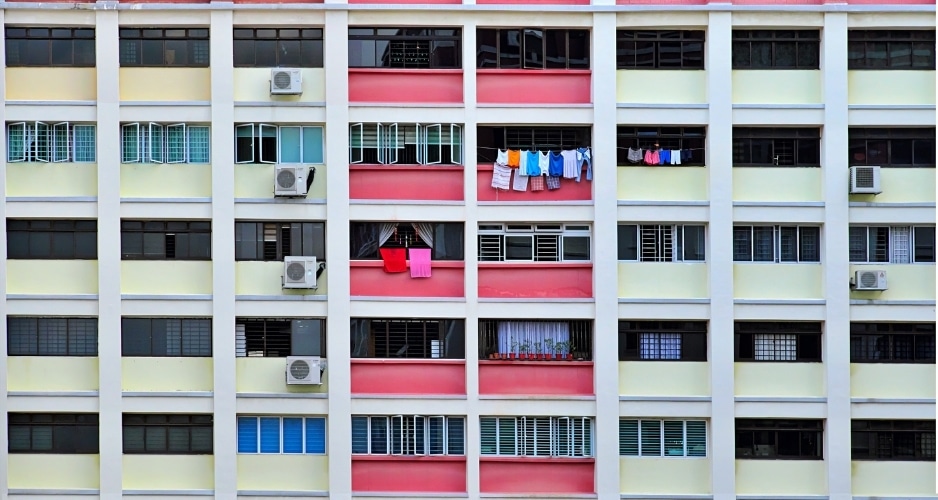
Buyers living in HDB flats and rental rooms mention picking this one specifically because it doesn’t demand a dedicated setup area.
Most are printing keychains, small figurines, and organisers, where the smaller build volume rarely becomes a real limitation.
If your projects tend toward bigger functional parts though, this build volume will frustrate you fast. The standard A1 makes more sense if size is a recurring need rather than an occasional one.
Before You Buy
A few things worth sorting out before you add anything to cart.
- Measure twice. Product photos flatten everything. Once cables, spool holders, and enclosures are attached, “compact” can mean something different than what the listing photo implies.
- Be honest about how often you’ll use multicolour. AMS and IFS systems are genuinely impressive, but plenty of buyers add them on and barely touch the feature past the first few prints.
- Check who’s actually selling it. Official brand stores and authorised local distributors tend to make warranty claims and replacement parts far less painful than a random reseller listing.
- Plan for humidity even with an enclosed printer. A filament dry box is still worth owning if you’re printing often, especially with anything hygroscopic like nylon or TPU.
Whichever one you end up with, the learning curve is shorter than the terminology makes it look.
Most people here go from unboxing to a genuinely clean first print within a day, and after that it’s mostly a matter of finding things worth printing, which, let’s be honest, is the fun part anyway.

news via inbox
See our latest reviews of goods, conducted right here in Singapore.